

Status as of 1:00 AM ET (Sat): RESOLVED. Microsoft’s public service health page now reads “All products are operational,” and the incident no longer appears as an active problem for Microsoft 365. The outage ran from about 11:17 AM ET Thursday to Friday, with recovery holding since Friday afternoon. Microsoft says it was caused by an issue introduced during an earlier network capacity upgrade that surfaced after a recent network change, and it was not a cyberattack. Microsoft has promised a full post-incident report; watch EX1550543 and MO1550821 in your admin center. If your email is back, check your Outbox for anything that never sent (see the 11:05 AM note below).
Live updates. Times are Eastern. Newest first.
- Sat ~1:00 AM: Resolved. Microsoft’s public service health page now shows “All products are operational” for Microsoft 365, and outage trackers that mirror Microsoft’s status have moved the incident to resolved. This live blog is now closed. Next up is Microsoft’s post-incident report (PIR), which should give the full root cause and the steps Microsoft is taking to prevent a repeat. Admins: if any users still see problems, have them restart Outlook (or sign out and back in) and check their Outbox, then open a ticket if issues persist.
- Fri ~9:30 PM: Sustained recovery, extended monitoring. Microsoft says it continues to see sustained service recovery across the previously affected environments, and it believes most impacted scenarios for dependent Microsoft 365 products have been addressed. Because the impact was so severe, it is monitoring for an extended period to make sure no more fixes are needed. It is also tracking the email backlog from the outage so that every message processes before it marks the incident resolved. Expect the incidents to stay open in Service health for a while even though things look normal.
- Fri 3:30 PM: Watch for outage-themed phishing. Security researchers report that phishing emails themed around the outage, such as fake “reset your password” messages, started appearing within hours. Microsoft will not email you a password-reset link because of this outage. Get status only from the Microsoft 365 admin center, status.cloud.microsoft or @MSFT365Status, and tell your users the same.
- Fri afternoon: Microsoft names the trigger. Microsoft says the incident was introduced by an issue during an earlier network capacity upgrade that surfaced after a recent network change. It apologized again (“We are deeply sorry for the disruption”) and said it is seeing broad recovery and stability across its services. In its words, “Given the scale of demand, we restored services gradually, validating stability at each stage. While this took longer, it helped ensure a stable restoration.” It again said this was not a cyberattack or AI agents, and it will publish a full root-cause report after its internal investigation.
- Fri ~12:30 PM: Microsoft apologizes. With inboxes coming back and backlogged mail trickling in, Microsoft publicly apologized for the disruption. It said the outage was not the result of a cyberattack or AI agents. Charles Lamanna, Executive Vice President of Copilot, Agents and Platform, said Microsoft’s teams are reviewing what happened and how to prevent similar issues. Microsoft has not yet marked the incidents resolved or published a root cause.
- Fri 11:40 AM: Underlying issue addressed. Microsoft says it has addressed the underlying issue and continues to restore service to the remaining customers and regions. Mailbox access and delayed email processing have improved, though some intermittent issues may continue. Microsoft says it will publish a full post-incident report (PIR) once its review is complete; that is where the official root cause will be. Admins should watch for it under EX1550543 and MO1550821 in the Microsoft 365 admin center.
- Fri 11:05 AM (from the field): Check your Outbox. Users I support are finding that once their email access came back, some messages they sent during the outage are still sitting in their Outbox and were never delivered. If that’s you, open your Outbox and resend anything still there. In Outlook, open the message and click Send again, or use Send/Receive. Then check Sent Items to confirm it went out.
- Fri 9:17 AM: Microsoft says email queues are significantly reduced and approaching normal levels. It reports broader improvement in North America, sustained improvement across much of Europe and encouraging recovery signals in Asia-Pacific. Its focus now is stabilizing the recovered infrastructure, finishing mitigation in the remaining affected areas, clearing the last of the email backlog and confirming every connection method works consistently. Some users may still see intermittent access issues or delayed mail.
- Fri ~8:00 AM: Microsoft says recovery is progressing across Europe and Asia-Pacific, with Japan comparatively more stable. Some users may still see intermittent issues while recovery continues. Microsoft is prioritizing the remaining affected environments and reducing the email queue and backlog. Still no ETA.
- Fri 7:35 AM (from the field): In the tenant I support, Outlook on the web is loading again and email has started trickling in. That lines up with what Microsoft is reporting, but it isn’t fully back yet: expect some delays and the occasional hiccup while the backlog clears. If your users can’t get into desktop Outlook yet, point them to Outlook on the web in the meantime.
- Fri 7:09 AM: Microsoft reports encouraging recovery progress in Europe, with service availability and email delivery improving across a growing portion of the affected infrastructure. Recovery actions are now complete on portions of the infrastructure, traffic is being gradually restored, and mailbox access and delayed email processing are improving. Some services are still affected and there is no ETA for full recovery.
- Fri 4:55–6:01 AM: Microsoft says recovery actions are moving in phases and it is seeing early stabilization and capacity improvements. Several workloads are improving, but service health is still variable and capacity has not fully returned to baseline. Delayed email is being protected while Microsoft keeps managing traffic and restoring servers, so queued messages should still arrive rather than bounce. Still no ETA; next update expected around 7:00 AM ET.
- Fri 3:06 AM: A patch is holding. Microsoft says a patch to an upstream authentication and routing configuration component has stabilized the servers where it’s been applied. It’s now expanding the patch systematically, region by region, starting with regions at or entering peak business hours.
- Fri 2:44 AM: Positive results. Microsoft says its latest traffic-optimization actions are improving service stability and adding capacity, and it’s rolling them out more broadly across affected regions to reach lasting recovery.
- Thu 5:25 PM – Fri 2:00 AM (overnight recap): A stop-start night. Around 5:25 PM Microsoft said its fixes hadn’t brought the expected relief and it was opening every available path to restore service. By about 6:20 PM servers were coming back, but around 7:05 PM some went unresponsive again once they took traffic. Around 9 PM it reported positive results from restarting infrastructure in isolated chunks and began adding capacity for regions coming back online. At 10:13 PM came a setback: the changes weren’t “taking as expected.” Through the night Microsoft rerouted, rebalanced and selectively blocked traffic to keep servers stable and worked to recover front-end servers. Recovery was partial and didn’t hold, and by about 2 AM it was weighing throttling, protocol changes and failover routing to add capacity.
- About 4:20 PM: Microsoft says it’s restarting and validating affected servers, and checking whether rolling back a small number of recent configuration updates could speed up recovery.
- 4:02 PM: A fix is working. Microsoft says it has validated a different way of running the server health checks, and a subset of affected servers has successfully returned to service. It’s now applying that change more broadly and preparing automated systems to detect and restart servers that stop responding.
- About 3:00 PM: Microsoft is deploying a change that bypasses the suspect health-processing component on a subset of servers, to test whether service comes back. It’s also looking into elevated processor usage on the affected servers. Microsoft Planner and Microsoft To Do have been added to the list of potentially affected services. Next update expected by 4:30 PM.
- About 2:55 PM: Microsoft says it hasn’t found any recent change that lines up with when the problem started. Its investigation now points to a specific component that’s responsible for processing server health. That component is the likely source of the failed health checks.
- 2:50 PM: Microsoft says it’s testing a configuration change to fix a problem that’s making servers fail their automated health checks and drop out of service. In parallel, it has started restarting all affected servers and is watching their health as they come back.
- About 2:15 PM: Microsoft says the extra load isn’t from more traffic. A number of servers became unexpectedly unavailable, straining the rest of the infrastructure.
- About 2:00 PM: Microsoft pauses all deployments and configuration changes, moves more traffic off the affected infrastructure, and starts restarting affected servers.
- 1:48 PM: Microsoft begins spreading connection traffic across its wider worldwide infrastructure to balance the load.
- About 1:35 PM: Microsoft says part of its infrastructure is under elevated load in multiple regions and adds a second incident, MO1550821.
- About 1:00 PM: The scope widens from the Americas to “any region.”
- 12:54 PM: Microsoft acknowledges Exchange Online mailbox access problems in the Americas under EX1550543.
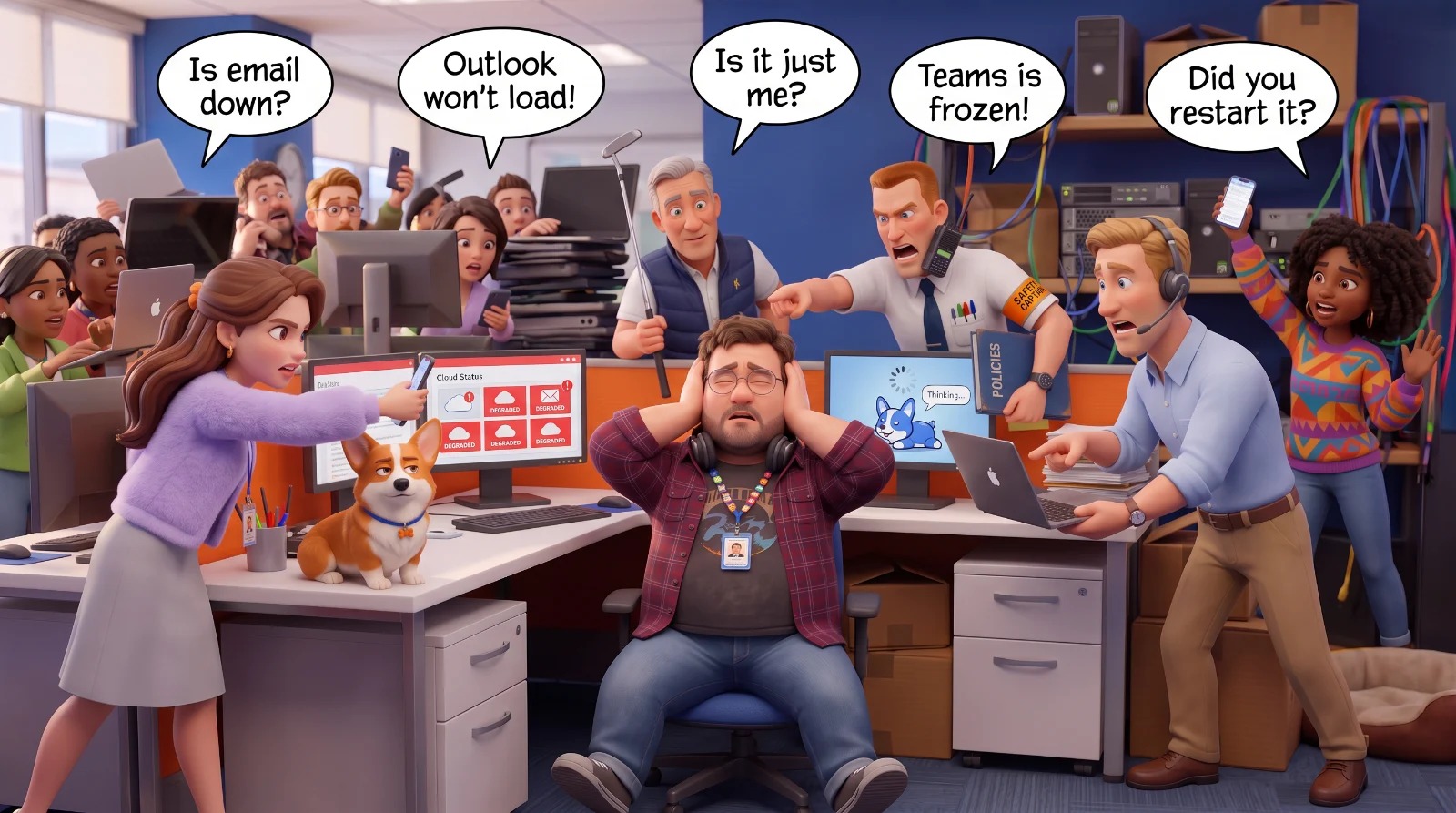
Picture Doug in IT. Outlook just went down, and suddenly everyone in the building is at his desk: phones in his face, laptops held out, “Is it just me?” from the back of the line.
Here’s the deal: Microsoft is in the middle of a major Microsoft 365 outage and is working to get it fixed. Doug is just trying to respond as best he can.
What’s happening
Starting around 12:40 PM ET, users began losing access to Outlook and Exchange Online mailboxes. Microsoft first scoped it to the Americas, then said it may affect Microsoft 365 connectivity in any region. Microsoft lists these services as affected:
- Exchange Online (Outlook on the web, desktop and mobile)
- Microsoft Teams
- SharePoint Online
- Microsoft 365 Copilot
- Microsoft Defender XDR
- Microsoft Planner and Microsoft To Do (added later)
- Several Microsoft Purview services (added later)
- Microsoft Intune and Power BI (added later)
Not everything is down. Microsoft says the impact is on features that interact with Exchange Online. Core Teams chat and meetings have mostly kept working, and files stored directly in SharePoint are still usable. Calendars, scheduling, Copilot and anything that relies on mailboxes are the parts that broke.
At its peak, Downdetector logged well over 130,000 reports for Outlook alone. Microsoft classifies the incident as a service degradation.
Separately, there was a Teams incident in North America earlier today (TM1550488). Microsoft says its automated recovery fixed that one, and it’s not the same problem.
Do they know what caused it?
Latest (Fri afternoon): Yes, at a high level. Microsoft now says the incident was introduced by an issue during an earlier network capacity upgrade, which surfaced after a more recent network change. Microsoft says it is now seeing broad recovery and stability across its services. That fits the earlier clues: servers failing health checks, an overwhelmed core process, and a reverted network configuration change. The full technical root cause will be in Microsoft’s post-incident report. Here’s how the picture developed over the outage:
They’re narrowing it down. Microsoft first said part of its infrastructure was under elevated load. It then clarified that the load isn’t coming from more traffic: a number of servers became unexpectedly unavailable, and the servers still running are buckling under the extra work. Those servers are being pulled because they fail their automated health checks. The latest finding is that the failures likely come from a specific component that processes server health. Microsoft says it hasn’t found a recent change that lines up with the start of the problem. It’s also investigating elevated processor usage on the affected servers. Later in the afternoon, Microsoft said it found a core process on the affected servers that’s becoming overwhelmed, which is what’s knocking them out of service. By evening, Microsoft said the servers it restored can go unresponsive again once they receive traffic, and it’s still working out what triggers that. Overnight, Microsoft added that as it applied fixes, it saw a surge in calls from its routing services to backend servers that couldn’t be routed properly, and it’s working to pinpoint the cause of that traffic influx. Around 8 PM ET Thursday, Microsoft also began reverting a recent network configuration change that lined up with the start of the impact. Friday morning’s fix is a patch to an upstream authentication and routing configuration component. Microsoft also says it has found no indication of malicious activity. The full root cause should come in its post-incident report.
What is Microsoft doing about it?
- Rebuilding some affected servers on a previous configuration to test whether that keeps them stable
- Temporarily limiting which types of traffic can reach the affected servers in some locations
- Rolling out a validated alternative health-check method that’s bringing servers back into service
- Preparing automated systems to detect and restart servers that stop responding
- Deploying a change that bypasses the suspect component on a subset of servers, to test whether service comes back
- Testing a configuration change to stop servers from failing their health checks
- Restarting all affected servers and watching their health as they come back
- Investigating the specific component that processes server health
- Moving traffic off the affected servers and spreading it across its worldwide infrastructure
- Pausing all deployments and configuration changes, so nothing new goes out in the middle of this
Is there an ETA?
Still no official ETA. After several false starts overnight, Microsoft says a patch is stabilizing servers where it’s applied, and it’s rolling it out region by region, prioritizing regions entering business hours. Expect recovery to be gradual and uneven through Friday morning. Your region may come back before or after others. As of 4:02 PM ET, Microsoft says a new health-check method is bringing servers back and it’s rolling that out more widely. Microsoft hasn’t given a timeline for full recovery. Downdetector reports have come down from the peak, which is a good sign, but it’s not an all-clear. Even after the fix lands, expect a staggered recovery: some people will be back before others, and Outlook and mobile apps may take a while to catch up.
Why Copilot is slow, not just down
Even where Copilot loads, users are reporting long waits and prompts that time out. Copilot works by pulling from your mail, chats and files, and those are exactly the services that are struggling. If Copilot seems broken today, it’s this outage. It’s not a licensing or permissions problem.
If you’re the Doug at your company
- Confirm it in Service health. Look for EX1550543 and MO1550821 in the Microsoft 365 admin center. If the admin center won’t load, use status.cloud.microsoft.
- Don’t troubleshoot clients. Rebuilding profiles, clearing caches and resetting passwords won’t fix a server-side outage.
- Send one update through something other than Teams or email, such as text or Slack. Say that it’s Microsoft, that nobody should restart anything, and when your next update will be.
- Skip the support ticket. Microsoft already knows.
- Expect delays, not lost mail. Sending servers normally queue and retry, so most delayed messages should arrive after recovery.
When it’s over, watch Service health for Microsoft’s post-incident report. That’s where the real root cause will show up.
I’ll keep updating this post until Microsoft says the incident is resolved.