
Latest articles
-

Dust Off the Rotary Phone: Who You Call When Microsoft 365 Goes Dark
When Microsoft 365 is the thing that’s down, how do you reach your people? Know your blast radius, build a call and text tree,…
-
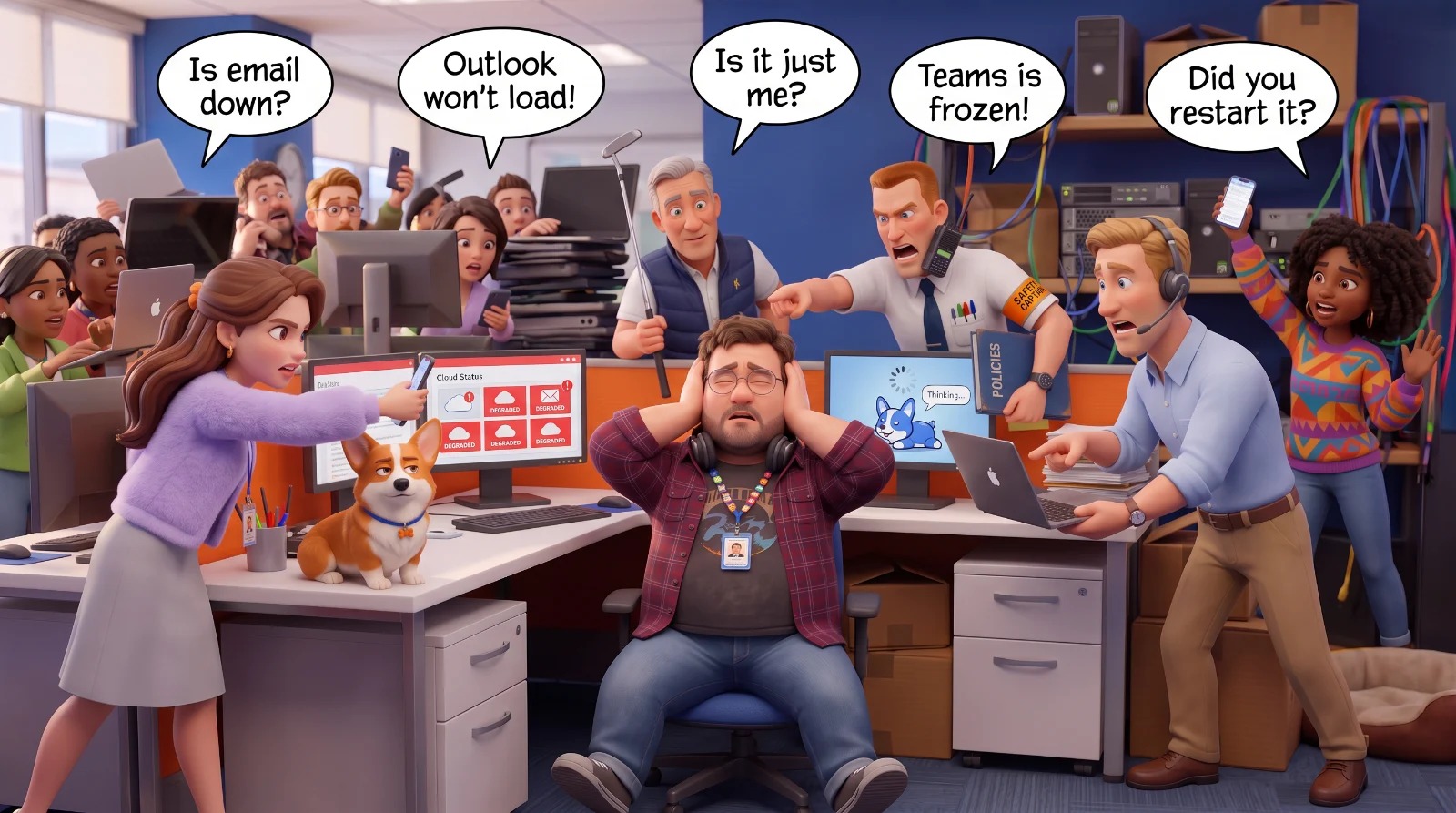
Microsoft 365 outage: Outlook, Teams and Copilot went down. Here’s what happened (resolved)
Microsoft 365 is in a major outage affecting Outlook, Teams, SharePoint and Copilot. What Microsoft has said, what it’s doing, and what IT admins…
-

AI didn’t give me my evenings back. It gave me a team.
AI won’t shorten your week. Used well, it gives a team of one something better: room to finally ship the big projects. Here’s what…
Where are you with AI today?
Pick the one that sounds like you. I’ll point you to what to read first, and where to go next.
The Copilot-ready SharePoint checklist
What to clean up, lock down and organize in SharePoint before you turn Copilot loose on it.
About Matt
I’m Matt Berry. I’ve worked in IT for more than three decades, starting in the U.S. Air Force.
Since then I’ve run just about every Microsoft server there is, managed mail systems of every kind, and worked with businesses from small shops to large enterprises. Along the way I picked up a lot about databases, CRM and Salesforce too.
There’s a creative side as well. I’m an audiophile and a videophile, and I love audio, video and photography, so making the videos is the fun part for me.
After this long, a lot of this comes easily to me, and I take that for granted. It doesn’t come easily to everyone, so I’m sharing what I know: to help you learn the technology, get more out of the Microsoft 365 subscription you’re already paying for, and finally make AI work for you, at work or at home.
I start with the basics, then go past the chat window and show my own work: the skills, agents and SharePoint builds I’m putting together, and how I got from here to there. Plain language, real work, so you can put it to use the same day.